 UI Configuration
Hello pirates,
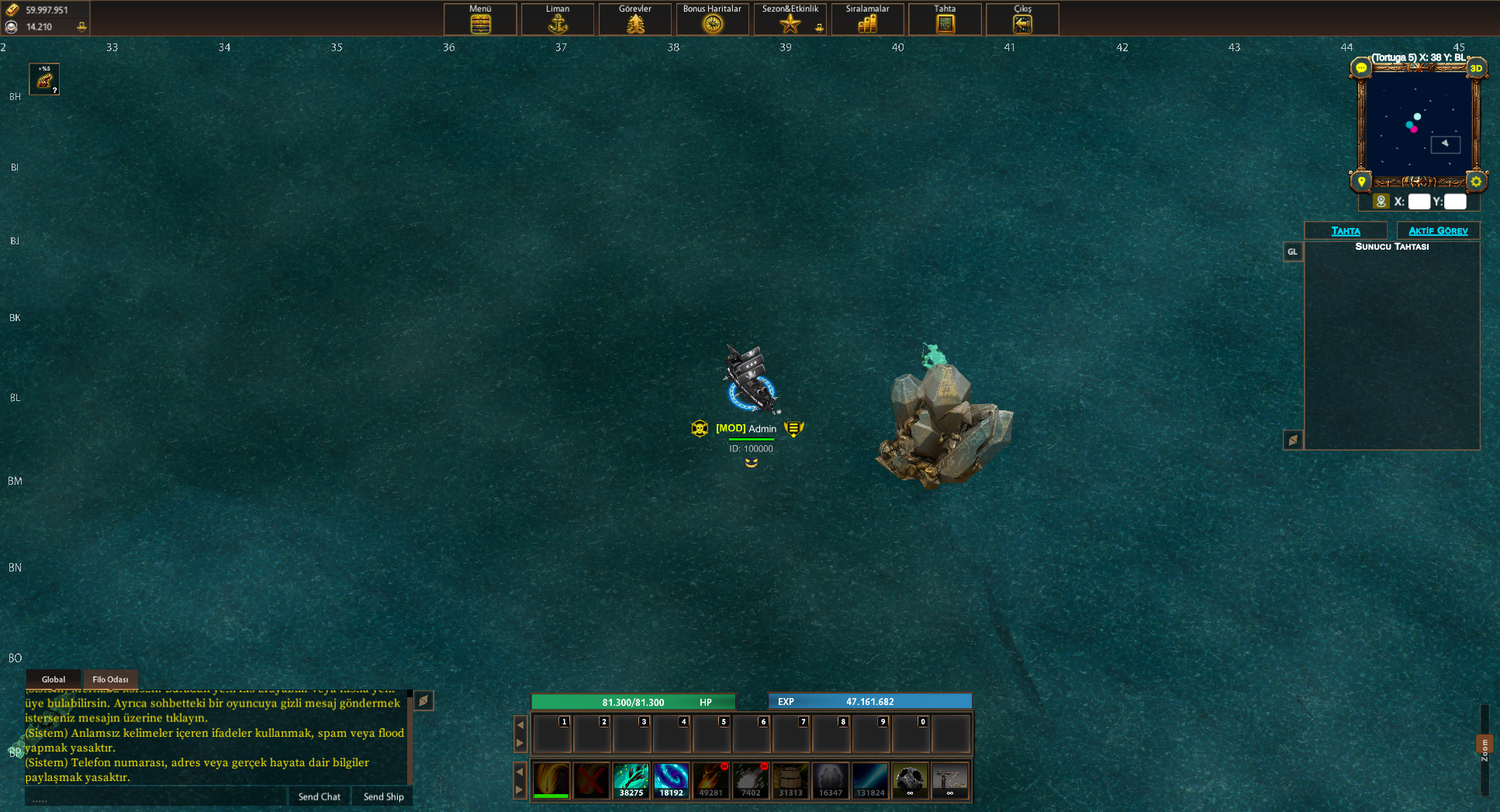
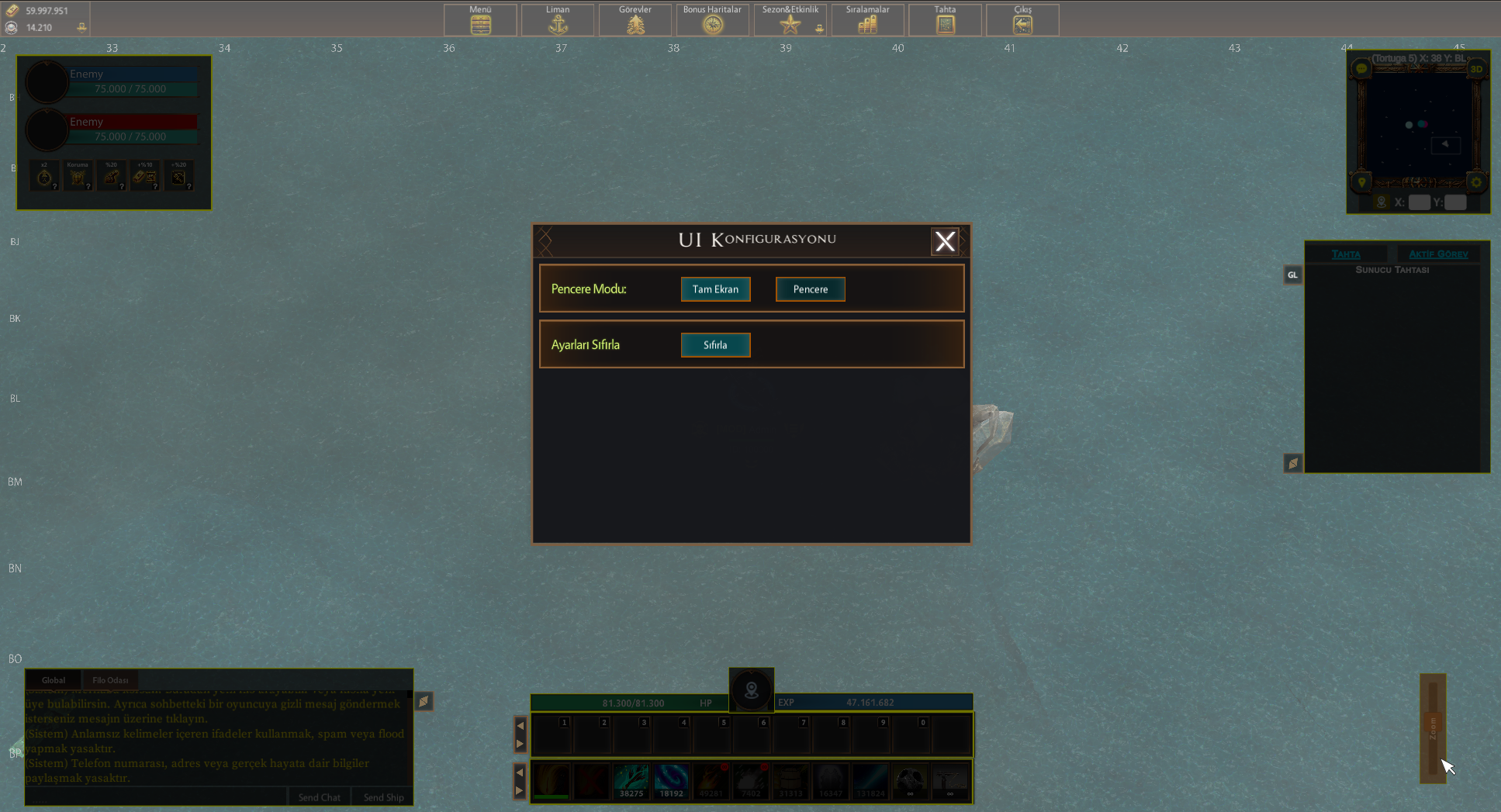
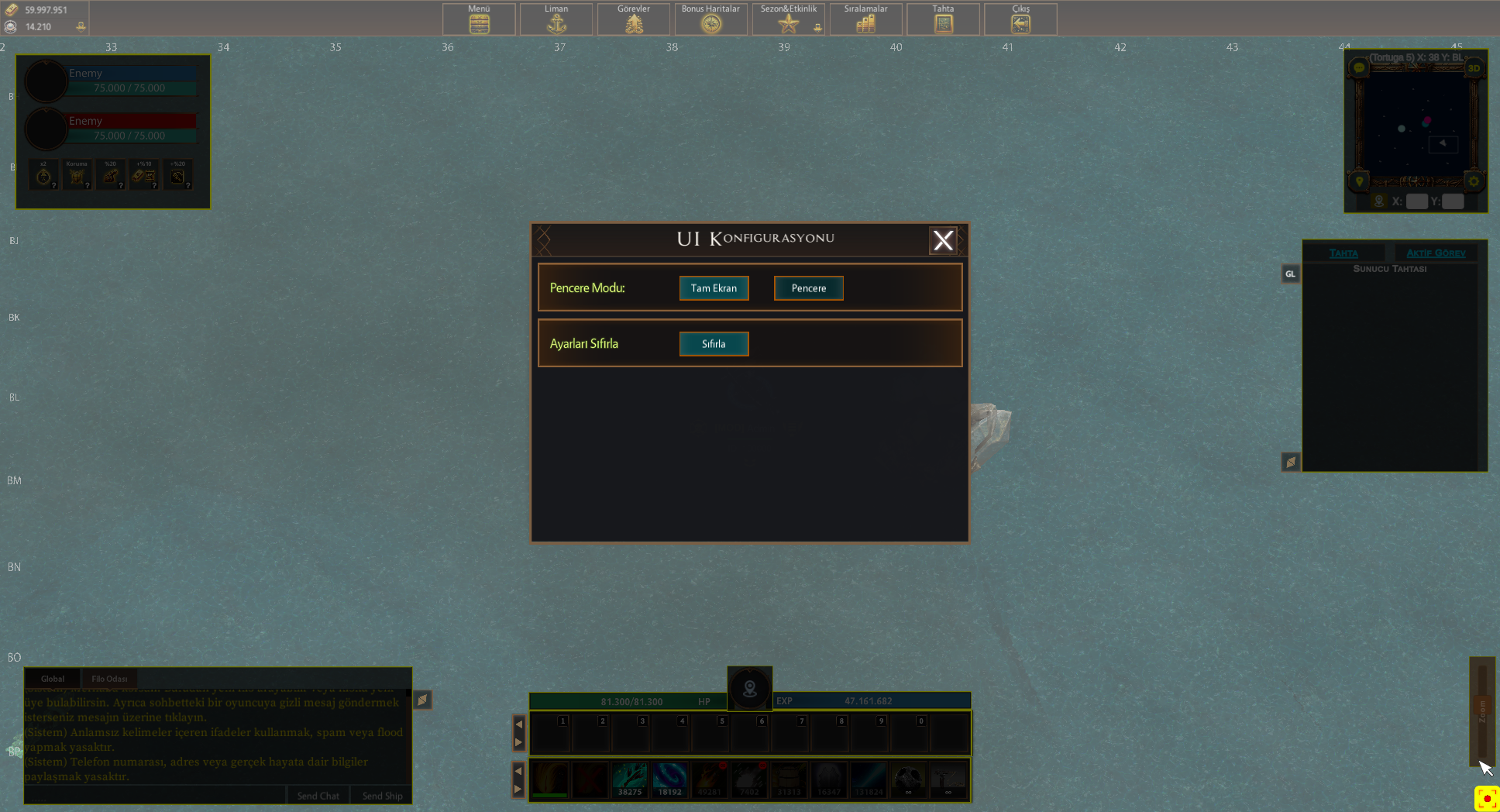
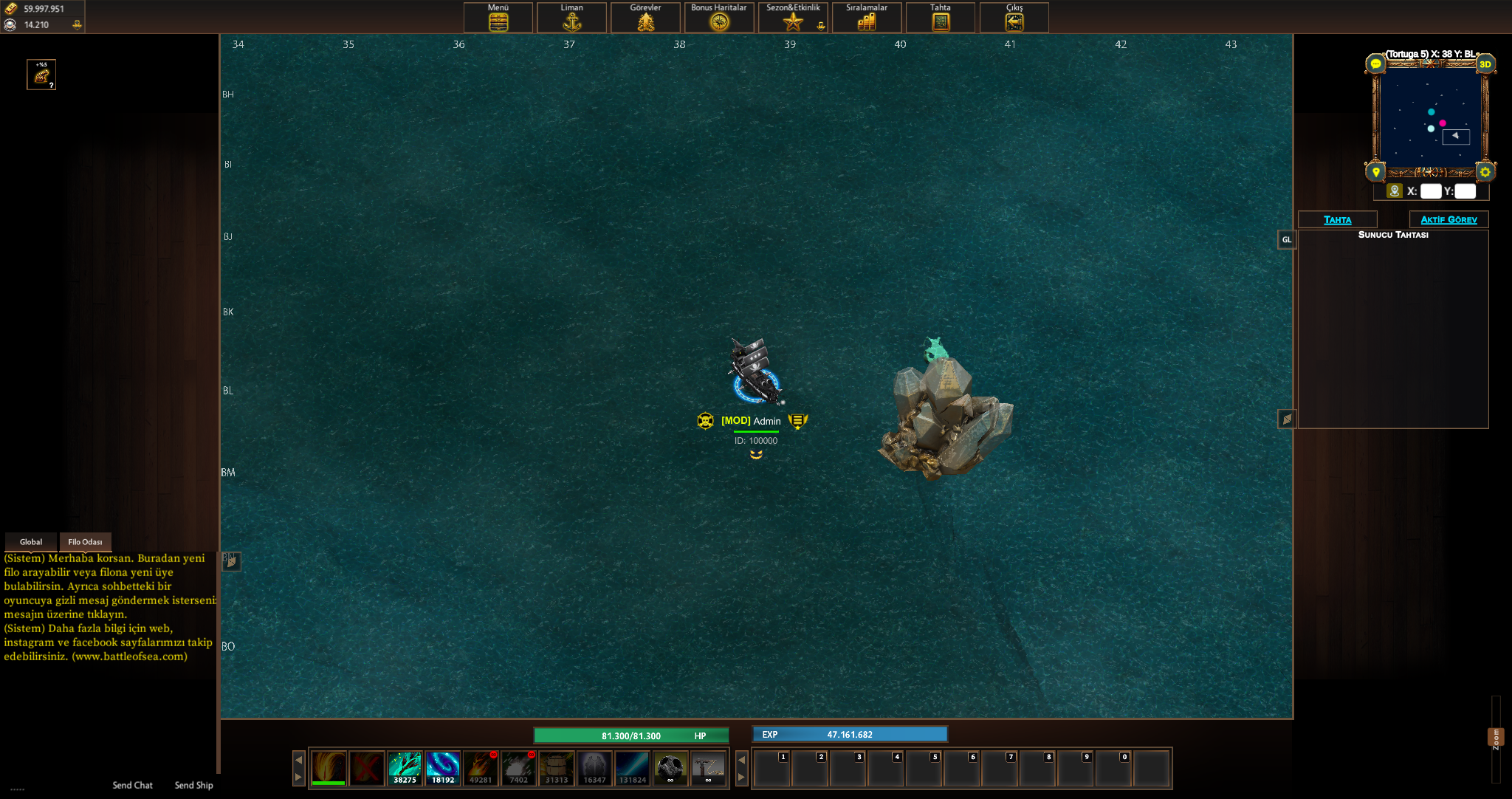
Here are some details about using the UI configuration. After clicking the settings button next to the mini-map, you can access the UI Configuration menu. As seen in the first image below, you can position many panels here. In the second and third images, the zoom bar is fixed in the bottom right corner. You can fix the panels you want to position at six corners of the screen. These are the top left, middle top, top right, bottom right, middle bottom, and bottom left corners. As you bring a panel closer to a corner, the corner where it will be fixed will appear highlighted in yellow, as shown in the third image. It's important to correctly adjust the corner where the panel will be fixed; otherwise, when you change the dimensions of the game window, the relevant panel may move to the wrong position. After ensuring that you have correctly set the corner to be fixed, you can close the configuration window.
Additionally, as shown in the fourth image, you can also adjust the game screen to be in full-screen or windowed mode from this menu.
29.05.2024 16:06:40
★†ırdッ, .Uky,, Le_Rat, NIKITA_XV, Sᴏᴍʙʀᴇᴀ, ~~Wi𝓵𝓵0103~~, AɱhCħrɪs, *𝐀*𝐓*𝐀*𝐋*𝐀*𝐈*𝐀*, ◄T●A●T●A●N●G●A►, ♆TAGADA★, 乂●𝓚𝓘𝓩𝓘𝓛𝒞𝓐●乂, ᴛʜᴇ-ꜱᴇᴄʀᴇᴛ, 💀★Ⓣⓐⓝⓔⓡ⑥①★💀, 𝙆𝘼𝙍𝘼𝘿𝙀𝙉𝙄𝙕-61🐺, ★CØØKAINE★™, ΔŃJØ.乂ÜNB乂, R҉O҉Y҉C҉O҉L҉T҉, 乂_King35_乂™, RHANDALL™, √𝙱𝚞𝙻𝚞𝙴𝚡√™43, †.ÖLÜMSÜZ.†, °nAINBOx°, PoSeiDoN, Olaf, ☠️♛ESCANOR♛☠️ liked this message.